Find the right information in minutes
Ask about an assembly, dimension, client requirement, standard reference or specific detail. Alto finds the relevant place in the documentation and returns an answer with the source.
Alto helps design teams quickly understand what is in technical reports, drawings, budgets and project communication. Ask a question and Alto returns the answer, related source materials and precise references it is based on.

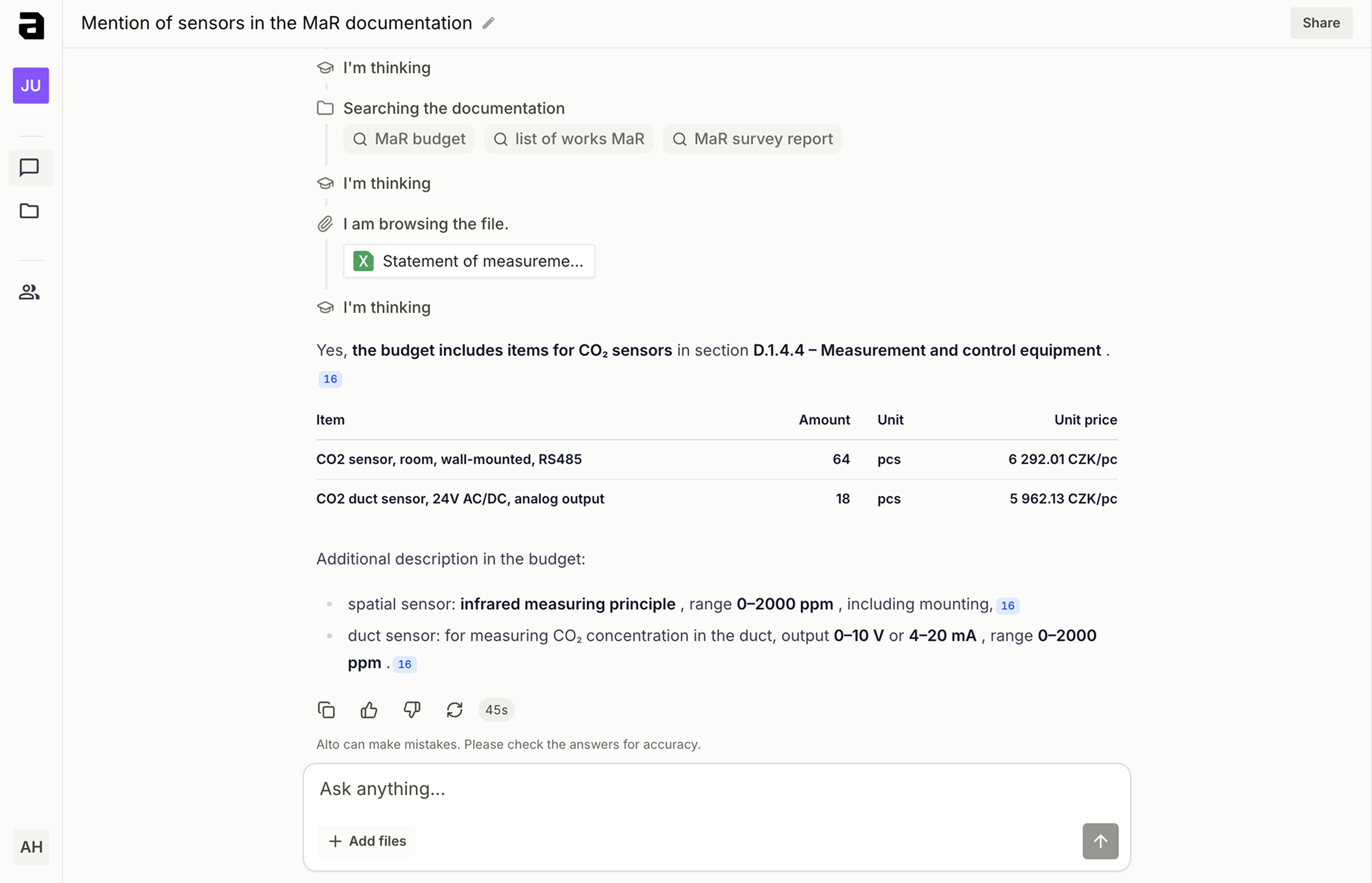
Ask about an assembly, dimension, client requirement, standard reference or specific detail. Alto finds the relevant place in the documentation and returns an answer with the source.
Compare a technical report, specification, legend, budget or bill of quantities and quickly see where values or requirements diverge.
Create working lists of doors, windows, rooms, equipment or open issues. Outputs can be reused in Excel or during internal coordination.
When taking over a project or moving between design stages, get a fast overview of the brief, decisions, risks and items that still need to be checked.
Prepare a technical report outline, summarize discipline-specific sections or create a comments table without copying between documents manually.
Use project source materials to prepare a clear email, answer a question or list which documents need to be shared next.
01
Upload technical reports, drawings, schedules, budgets and emails to Alto. Ask about a room, assembly, element or requirement and it finds the answer while showing where it came from.
02
Alto compares a technical report, legend, budget or client comment and prepares an overview of inconsistencies without the team manually going through dozens of PDFs and spreadsheets.
03
From the sources it finds, Alto drafts a client reply, open-items list or review table. The team has the evidence in one place and can focus on the decision.
AI for project documentation only helps when it understands several types of source material at once. Alto connects technical text, drawings, budgets and project communication into one searchable project context.
Search requirements, assemblies, materials, parameters and cross-discipline dependencies without manually opening long PDFs.
Find room, door, window, assembly and equipment references and connect them with the written part of the documentation.
Compare items, quantities, specifications and requirements against the technical report or project communication.
Bring back decisions and requirements that often stay hidden in email threads or coordination notes.
Alto is not a general chatbot. It works best on concrete questions over project documentation where the team needs to quickly find the right detail, source or inconsistency.
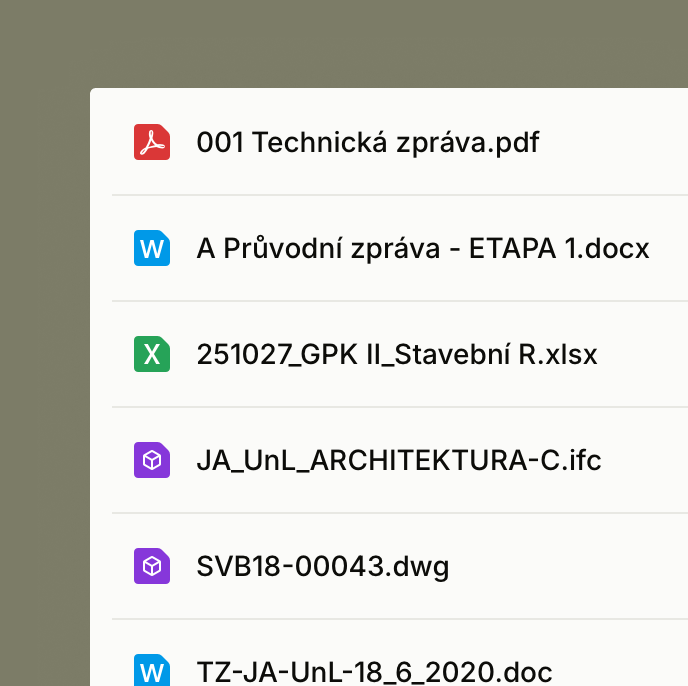
Alto reads technical reports, drawings, budgets and BIM files, then turns them into project context that can be searched, compared and checked quickly.
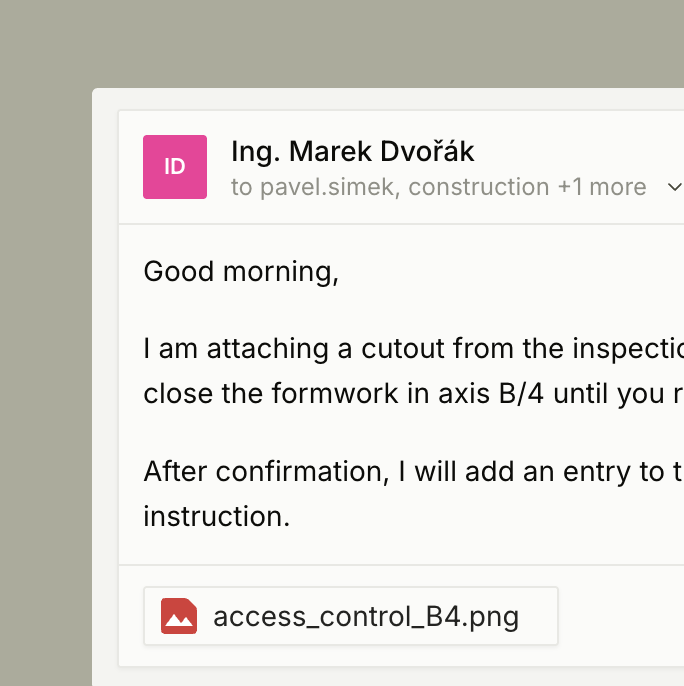
Forward project emails into Alto. The assistant connects them with files and budgets, so decisions, changes and requests do not stay buried in inboxes.
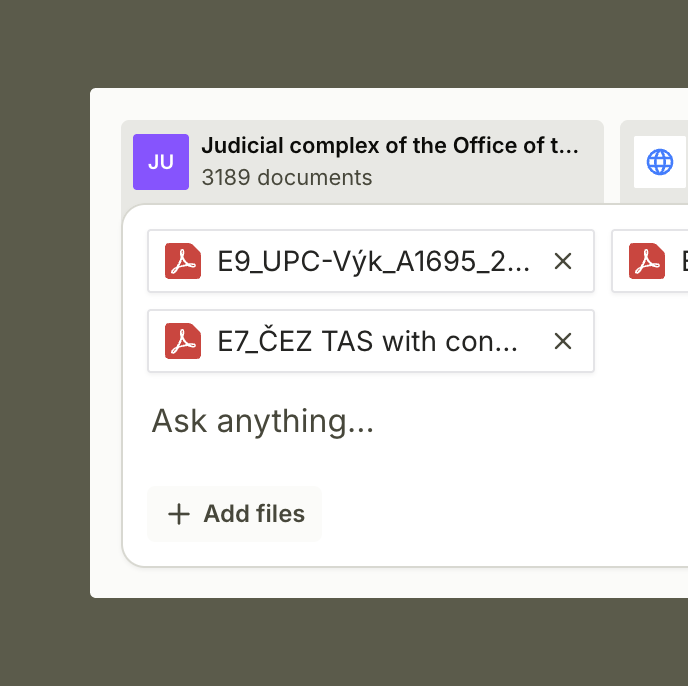
The AI assistant answers questions over project data, finds sources and helps uncover inconsistencies between documents, budgets, drawings and communication.
Check source materials, meeting notes, changes and requirements during investor-side technical supervision.
Search execution documentation, budgets, changes and subcontractor communication faster.
Keep an overview of project documentation, requirements, risks and decisions across projects.
Fill in the form and our team will get in touch to schedule a short, no-obligation demo.
Practical questions about how AI for architects works with real project documentation.